BIM Syncro’s Asset Lifecycle Support from BIM 100 to BIM 500 and 3D to 7D

BIM Syncro and its multidisciplinary technical team provide end-to-end support for asset development through all BIM stages (from conceptual planning to as-built deliverables, often denoted as BIM/LOD 100 through 500) and across all BIM dimensions (3D to 7D). By leveraging a suite of specialized tools – including Autodesk Revit, Navisworks, Civil 3D, InfraWorks, Bentley Synchro, Plaxis, and more – the team integrates civil, structural, mechanical, and electrical engineering with project management and BIM coordination expertise. This comprehensive approach ensures that each project phase is executed efficiently, information flows seamlessly throughout the asset’s lifecycle, and the final deliverables support operational readiness. Below, we detail each BIM stage and dimension, with examples of tools and team capabilities at each step, and explain how BIM Syncro’s offerings and strategies align with delivering value at every stage and dimension.
BIM Lifecycle Stages (LOD 100 to LOD 500)
BIM Stage 100: Conceptual Planning and Design (LOD 100)
At the conceptual stage, BIM Syncro helps clients define the project vision and basic requirements. Models at LOD 100 are conceptual massings or layouts representing overall shape, volume, or route with approximate dimensions. The team produces preliminary 3D representations (often as simple blocks or surfaces) to explore different design options and conduct early feasibility checksunited-bim.com. For example, for an infrastructure project, the team might use Autodesk InfraWorks to create a 3D conceptual model of a road alignment or site plan. InfraWorks allows integration of GIS and terrain data to quickly visualize proposals in context. This accelerates stakeholder buy-in and aids site selection by showing how a highway or facility could fit into the real-world environment. The civil engineering specialists on the team contribute insights on alignment and site constraints, while structural and MEP experts ensure that even at the concept level, basic considerations (e.g. approximate building massing, utility corridors) are accounted for. By engaging geotechnical tools like Plaxis early (for high-level soil suitability analysis) and performing high-level sustainability assessments (such as optimal solar orientation for buildings), BIM Syncro sets the stage for designs that are viable and sustainable from the outset. The result of Stage 100 is a high-level BIM execution plan and concept model that guides the next phases, aligned with client goals and regulatory expectations.
BIM Stage 200: Schematic Design / Preliminary Design (LOD 200)
In BIM Stage 200, the team develops schematic designs with more detail and structure. Model elements now have approximate geometry and known attributes such as size, shape, and locationunited-bim.com. Architectural and engineering teams work in tools like Autodesk Revit to lay out basic architectural forms, structural framing, and MEP zones, while civil engineers refine site layouts and road alignments in Civil 3D. For instance, BIM Syncro’s civil engineers might establish a road’s horizontal and vertical alignments in Civil 3D (including profiles and cross-sections) and perform preliminary earthwork calculations for cut-and-fill volumes. The Revit models for buildings or industrial facilities begin to include generic components (walls, columns, equipment placeholders) at correct locations. At this stage the BIM coordinators start performing basic clash detection across disciplines to identify any glaring coordination issues early. Using Navisworks, they can import the Revit architectural/structural model alongside the Civil 3D site model to check for clashes (e.g. building vs. terrain or underground utilities). The team’s mechanical and electrical engineers ensure space allocations for systems (like plant rooms, shafts, or large conduits) are included, and project managers begin to map out high-level timelines and budgets. By the end of Stage 200, the project has a preliminary 3D BIM model with all major systems represented in approximate form, providing a visual and technical basis for client review and moving into detailed design. This approach – integrating multi-discipline inputs and early coordination – reflects BIM Syncro’s commitment to “streamline project workflows and improve efficiency through cutting-edge digital solutions” even at early design stages.
BIM Stage 300: Detailed Design and Coordination (LOD 300)
Detailed design (LOD 300) is where the BIM model becomes much more precise and information-rich. BIM Syncro’s technical team now fleshes out each discipline’s model with exact geometry and specified components. Structural engineers model beams, columns, slabs, and rebar in Revit (or specialized structural BIM tools) with exact dimensions and locations. Mechanical and electrical engineers add detailed HVAC equipment, ductwork, piping, cable trays, lighting, and power systems. Civil engineers finalize grading, road geometry, and utilities in Civil 3D. All these models are federated and closely coordinated. The BIM coordination specialists run rigorous clash detection and coordination meetings at this stage. Using Navisworks, the team integrates the architectural, structural, MEP, and civil models into a single federated model and checks for interferences daily or weekly. Navisworks’ clash detection catches issues like pipes intersecting beams or road alignments clashing with drainage, allowing the team to resolve problems digitally before construction. The tools and training expertise within BIM Syncro reflect this capability – for example, they emphasize Navisworks skills for “importing models from Revit, Civil 3D, and other platforms to run federated model checks”. Additionally, the team performs quantity take-offs from the model at this stage (e.g. extracting quantities of concrete, steel, ductwork) to feed into cost planning, showing an early integration of the 5D dimension. The detailed design stage benefits from BIM Syncro’s multidisciplinary expertise – their civil/structural team ensures the structural integrity and code compliance of designs, the MEP team optimizes building performance and energy efficiency in the design, and the project management consultants oversee that design deliverables align with schedule and budget constraints. By the end of Stage 300, a highly detailed and coordinated BIM model (often at LOD 300/350) is ready, which significantly reduces errors and rework downstream. As BIM Syncro’s service description notes, “3D digital modeling that integrates architectural, structural, and MEP elements” leads to “significantly reducing errors, rework, and time across the entire building lifecycle” – a direct outcome of the detailed design coordination they perform.
BIM Stage 400: Construction & Fabrication (LOD 400)
At BIM Stage 400, the focus shifts to construction execution and fabrication details. BIM Syncro’s team extends the models to LOD 400, meaning model components are now accurate to fabrication level, with all necessary details and documentation for construction. For instance, structural steel models might be developed in Tekla Structures or detailed within Revit to include connections, bolts, and weld plates; mechanical systems might include exact hangers and fabrication spools. These detailed models generate shop drawings and fabrication schedules required by contractors. Crucially, Stage 400 also involves linking the BIM model with construction time and cost data – introducing the 4D and 5D BIM dimensions during the construction phase. BIM Syncro employs tools like Bentley Synchro (and Navisworks’ Timeliner) to create 4D simulations of the construction sequence. The project management team integrates the project schedule (developed in tools like Microsoft Project or Oracle Primavera P6) with the BIM model, so each building element or civil segment is tied to a timeline. This allows the team and the client to visualize the project timeline in 3D – seeing how the building or infrastructure will be built step-by-step, month by month. It helps identify scheduling clashes or space conflicts (e.g. two trades working in the same area at the same time) – effectively “time-based clashes” – and optimize the sequence of work for safety and efficiency. An example is using Synchro to simulate a bridge construction: the model shows the sequence of girder placements along a timeline, ensuring cranes, crews, and deliveries are coordinated with no conflicts. Alongside 4D, 5D BIM (cost integration) is utilized at Stage 400. The BIM model’s quantities are linked to cost databases or estimates, allowing real-time tracking of the project budget as design changes or as construction progresses. BIM Syncro’s quantity surveyors (or cost engineers) can extract Bill of Quantities from the model and use them for tendering and cost control. In fact, their training materials highlight “BIM for QS/BOQ” services, indicating that they equip consultants to leverage the model for accurate quantity surveying. By simulating both schedule and cost, BIM Syncro enables what-if analyses – e.g. how a change in design might impact the construction duration and cost – giving clients data to make informed decisions. All of this is supported by the technical team’s diverse skill set: project managers and planners proficient in scheduling software (MS Project, P6) ensure robust plans, while BIM coordinators and engineers use those plans to build 4D/5D models. As a result, during Stage 400 the client benefits from a fully constructible model and an optimized construction strategy. This aligns with BIM Syncro’s philosophy of being a partner “from classroom to construction” – not just creating design models, but actively using BIM in the field to make construction more predictable. Indeed, major contractors leverage 4D BIM to manage complex construction phases; as one of BIM Syncro’s thought leadership pieces notes, “major contractors use our BIM services to visualize project timelines and coordinate subcontractor workflows”. By the end of Stage 400, the project should have minimal surprises, as both the physical design and the construction process have been virtually prototyped.
BIM Stage 500: As-Built and Operations (Facility Management Readiness)
BIM Stage 500 represents the as-built stage and the beginning of the asset’s operational life. At LOD 500, the BIM model reflects the asset exactly as constructed, with all geometry and information updated to match the final installed conditions. Achieving this is critical for facility management, and BIM Syncro’s team places strong emphasis on delivering a high-quality as-built model for the client’s long-term needs. During and after construction, the team collects any changes or field modifications (via red-line drawings or direct model updates). They often utilize reality capture techniques – for example, laser scanning or drone photogrammetry – to perform a “scan-to-BIM” process. BIM Syncro explicitly offers scan-to-BIM services for oil & gas facilities and infrastructure projects. In practice, this means they can take point cloud data of a completed industrial plant or a highway interchange and convert it into an accurate 3D BIM model of the as-built asset. This model at LOD 500 includes not only geometry but also rich metadata for facility management: each major equipment, valve, electrical panel, or structural element can carry tags and information such as serial numbers, maintenance schedules, warranty data, and operation manuals. The BIM coordinators ensure that all this data (often organized according to standards like COBie for facilities management) is attached and easily accessible. The result is a digital twin of the asset – a digital replica that facility managers can use for operations and maintenance. BIM Syncro’s strategy documents highlight this deliverable: their BIM capability includes “asset tagging… and digital twin development for operational intelligence,” with integration all the way through “facility handover, ensuring end-to-end digital continuity”. In other words, the same model that began as a concept is transformed and handed over as a living database for the facility’s life. This greatly enhances operational readiness – for example, a hospital’s FM team can click on a room in the BIM model and retrieve all information about medical gas systems or HVAC units serving that room, enabling proactive maintenance. BIM Syncro often works with owners during this handover to train them in using the model for facility management (extending their training services to FM staff). The value of this 7D BIM approach is evidenced in their client-focused content: “Facility Management readiness through BIM handover” is touted as a key benefit, where BIM models improve long-term O&M (operations & maintenance) efficiency. Similarly, for infrastructure operators like concessionaires, having a BIM as-built can “support lifecycle modelling and reduce ambiguity in long-term maintenance contracts”. In summary, Stage 500 deliverables by BIM Syncro ensure the asset’s data is comprehensive and organized, so the facility can be operated safely, efficiently, and with full knowledge of its components. This completes the lifecycle loop – the data created in design and enriched through construction is now used to run and maintain the asset, embodying the principle of BIM for the entire asset lifecycle.
Table: BIM Syncro’s Tools and Deliverables Across BIM Stages
| BIM Stage (LOD) | Description & Key Activities | Example Tools Used | Deliverables / Outcomes |
|---|---|---|---|
| BIM 100 – Conceptual | High-level concept design, massing, initial site layout. | InfraWorks (conceptual 3D modeling), SketchUp or Revit (mass modeling), basic GIS tools. | Concept models (massing or alignments), feasibility studies, BIM Execution Plan. |
| BIM 200 – Schematic | Preliminary design with approximate systems and layout. | Revit (arch/structural/MEP layouts), Civil 3D (road alignments, grading), Navisworks (early clash checks). | Schematic BIM model with all disciplines, initial coordination reports, updated project schedule & cost estimate (high-level). |
| BIM 300 – Detailed Design | Detailed, multidisciplinary design models fully coordinated (LOD 300/350). | Revit (detailed building models), Civil 3D (detailed civil works), Navisworks (clash detection), analysis tools (e.g. structural analysis, Plaxis for geotech, energy simulation software). | Fully coordinated design BIM, clash detection reports resolved, quantity take-offs for procurement, design review presentations. |
| BIM 400 – Construction | Construction-ready BIM with fabrication details; 4D/5D integration. | Navisworks + Synchro (4D scheduling simulations), Tekla Structures or Advanced Steel (fabrication detailing), Primavera P6 / MS Project (scheduling linked to BIM), estimating software or Navisworks Quantification (5D cost). | Fabrication models & shop drawings, 4D simulation videos (construction sequence), 5D cost-loaded schedules, progress tracking models, updated risk/mitigation plans. |
| BIM 500 – As-Built & FM | As-built model reflecting final construction, enriched for operations (digital twin). | Revit or IFC models updated with as-built info, reality capture tools (laser scanners, drones), BIM-FM integration platforms (for 7D, e.g. Archibus, Maximo or custom databases linked to BIM). | LOD 500 as-built BIM (with asset tags and data), facilities management export (COBie spreadsheets or FM database), training for FM team, lifecycle maintenance plan. |
(The above table illustrates how specific tools map to each stage of the BIM lifecycle and what outcomes BIM Syncro delivers at each stage.)
BIM Dimensions (3D through 7D) and BIM Syncro’s Capabilities
Beyond the project stages, BIM is often described in terms of “dimensions” that add layers of information to the base 3D model. BIM Syncro’s approach and technical offerings ensure that all BIM dimensions from 3D to 7D are addressed, enhancing the project’s value in each aspect:
3D BIM (Geometry & Coordination)
3D BIM is the foundation – it represents the three-dimensional geometric model of the project, integrating all design disciplines. BIM Syncro excels in 3D BIM by creating detailed, accurate models and ensuring multidisciplinary coordination. The team’s architects and engineers build the 3D geometry of architectural elements, structures, MEP systems, and civil infrastructure in tools like Revit and Civil 3D. More importantly, they use that 3D data for collaborative coordination: detecting clashes, resolving spatial conflicts, and visualizing the design for stakeholders. According to their service profile, BIM Syncro’s 3D modeling integrates architectural, structural, and MEP elements and “significantly reduces errors, rework, and time across the entire building lifecycle”. For example, in a complex industrial plant model, their BIM coordinators will ensure pipes, beams, and cable trays are properly routed with no collisions, using Navisworks to inspect the consolidated 3D model. This 3D coordination not only prevents on-site issues but also improves design quality. BIM Syncro positions itself as a technology leader in 3D BIM – emphasizing “advanced BIM technologies, including 3D modeling [and] clash detection” as a core strength. By mastering 3D BIM, the team lays the groundwork for all other BIM dimensions, since an accurate and well-coordinated 3D model is the single source of truth for deriving time schedules, costs, sustainability analyses, and FM data.
4D BIM (Time and Scheduling)
4D BIM adds the time dimension to the 3D model, linking construction schedule activities to BIM elements. BIM Syncro’s project management and BIM specialists utilize 4D BIM to improve construction planning and project control. They take scheduling software (like MS Project or Oracle Primavera P6) outputs and connect each task with the relevant 3D components in tools such as Navisworks Timeliner or Bentley Synchro. This enables the creation of a time-sequenced simulation: one can watch the building or infrastructure being built step by step in a 3D animation, following the actual planned timeline. The benefit is better communication of the plan and the ability to optimize it. BIM Syncro often conducts 4D simulations to verify that the schedule is feasible and to spot potential timing conflicts. For instance, a Navisworks/Synchro 4D simulation might reveal that two crews are scheduled to work in the same zone simultaneously – a conflict that can then be resolved by adjusting the schedule. The team is adept at this practice; in fact, they offer training in “4D/5D simulation, Navisworks… sequencing visualization” for site teams. As a result, clients (especially contractors) gain a clearer understanding of project phasing. One of BIM Syncro’s case examples highlights that “engineers and planners learn to visualize construction sequences, identify time-based clashes, simulate logistics, and optimize resource allocations” through 4D BIM. This capability directly leads to safer and more efficient projects, as the construction process is thoroughly vetted in the virtual environment. The 4D dimension is a key part of ensuring asset readiness, as it helps keep the project on schedule and predicts how the construction activities might impact project delivery. By integrating 4D BIM, BIM Syncro’s team can commit to timely execution and proactively manage risks – an approach in line with their project management ethos of “transparent progress tracking [and] risk mitigation frameworks”.
5D BIM (Cost Estimation & Control)
5D BIM incorporates the cost dimension, linking project costs to the BIM model and enabling dynamic cost estimation as the design evolves. BIM Syncro supports 5D BIM by using the quantities and elements in the 3D model to inform budgeting and cost management. As designs firm up, the BIM model can automatically generate quantity take-offs (for example, how many cubic meters of concrete or how many light fixtures are in the design). The company’s BIM coordinators and quantity surveyors collaborate to ensure the model’s data is structured for extraction of these quantities. BIM Syncro’s team can then apply unit costs to the quantities to calculate a Bill of Quantities and cost estimates. This process is much faster and more accurate than traditional 2D methods, and it allows for quick re-costing if the design changes. Their materials emphasize “BIM for QS/BOQ” – meaning using BIM for quantity surveying and Bill of Quantities preparation. During construction (Stage 400), the 5D BIM is often taken further by cost-loading the 4D schedule: each activity in the 4D simulation can have a cost attached, yielding a time-phased cost model that shows cash flow over time. This helps project managers and owners see the spending plan and manage progress payments or financing needs. BIM Syncro also integrates value engineering and cost optimization in the design phase. According to their strategy, “through iterative design simulations and lifecycle costing, [they] propose systems that reduce CAPEX and OPEX without compromising quality”. This indicates that the team doesn’t treat cost as an afterthought; rather, they embed cost-conscious decisions right into the BIM process (for example, comparing different materials in the model with their cost impacts). By using 5D BIM, the team provides clients with reliable cost forecasts and helps control budget throughout the project. Changes in the model automatically update the cost reports, making cost management more transparent and proactive. Ultimately, 5D BIM as practiced by BIM Syncro ensures that the financial aspect of the asset lifecycle is always tied to the technical aspect, supporting clients in making informed decisions that balance performance and cost. The inclusion of cost data into the BIM also feeds into the operational phase – for example, knowing the life-cycle cost of an equipment helps in facilities management decisions. This holistic cost awareness is part of BIM Syncro’s value proposition of delivering projects on budget by leveraging digital tools for estimation and cost control.
6D BIM (Sustainability & Energy Analysis)
The 6th Dimension of BIM involves using the model for sustainability and environmental performance analysis. BIM Syncro’s team leverages 6D BIM to help clients design and operate assets in a more sustainable and energy-efficient manner. In practice, 6D can include energy modeling, carbon footprint analysis, lighting analysis, thermal simulations, and sustainability tracking using the data from the BIM model. For example, during design stages the team can export the 3D BIM to energy analysis software (such as Autodesk Insight, IES<sup>VE</sup>, or other simulation tools) to evaluate different design options: how various building orientations, materials, or mechanical systems impact energy consumption and daylighting. They might also use BIM data for environmental analyses like sun/shadow studies, solar potential for photovoltaic placement, or calculating the embodied carbon of materials. The company’s focus on 6D is reflected indirectly in their service offerings: they mention ESCP (Erosion and Sediment Control Plan) design and other environmental measures in their training modules, showing they incorporate sustainability and regulatory compliance into design. Moreover, BIM Syncro aligns its engineering services with ESG (Environmental, Social, Governance) principles, ensuring projects are “resilient, optimized, and approval-ready” in terms of sustainability standards. A clear example of 6D in action is in their work with renewable energy projects. One of their proposed content pieces, “Powering Sustainability with BIM Technology,” describes how BIM aids in site selection, infrastructure modeling, and operational analysis for solar farms and wind projects. In such scenarios, BIM models are combined with environmental data to find optimal layouts for solar panels (maximizing sun exposure) or to design wind farm infrastructure that minimizes ecological impact. By applying 6D analyses, BIM Syncro helps clients achieve sustainability certifications (like Green Building Index or LEED) and meet energy efficiency targets. The team’s MEP engineers and sustainability consultants collaborate to iterate the design for lower energy use and better environmental performance, all within the BIM environment. In the long run, this means the asset will not only be built right, but also operate efficiently and responsibly, aligning with modern green building goals. The inclusion of sustainability (6D) considerations into the BIM process ensures that decisions made during design and construction contribute to reduced operating costs (energy savings) and a smaller environmental footprint during the asset’s operation phase.
7D BIM (Facilities Management & Asset Lifecycle)
7D BIM extends BIM into the realm of facilities management (FM) and asset lifecycle management. This dimension focuses on using the as-built BIM model as a tool for operating, maintaining, and managing the facility or infrastructure asset long after construction is complete. BIM Syncro’s deliverables and services strongly support 7D BIM, as seen by their emphasis on digital handover and asset data integration. By Stage 500, the team delivers a comprehensive as-built model enriched with all relevant asset information (equipment IDs, maintenance manuals, warranty dates, spare parts lists, etc.). This effectively creates a digital twin of the facility. The facility management team (either BIM Syncro’s experts or the client’s FM personnel trained by BIM Syncro) can use this digital twin to streamline maintenance tasks – for example, scheduling preventive maintenance by querying the model for all assets that require servicing in the next month, or quickly locating a shut-off valve during an emergency by looking it up in the BIM. BIM Syncro’s strategy explicitly mentions support for the asset’s operational phase: they highlight “BIM for asset lifecycle” and digital twin solutions for owners. Their BIM framework includes asset tagging and operational intelligence, meaning each element in the model can be linked to databases or FM software for real-time tracking. For instance, a property manager could integrate the BIM model with a Computerized Maintenance Management System (CMMS); when a work order is issued for a pump replacement, the BIM model can be consulted to find the pump’s location and specs. In large infrastructure projects, 7D BIM helps concessionaires and city authorities plan long-term repairs and upgrades by referring to the precise inventory of assets recorded in the model. BIM Syncro’s content provides concrete examples: a blog preview titled “Facility Management Readiness Through BIM Handover” illustrates how handing over a rich BIM model improves long-term O&M efficiency, particularly in complex facilities like hospitals. Another example is the use of digital twins for rail asset management, where transport authorities use BIM models with real-time data overlays for predictive maintenance. With BIM Syncro’s 7D practices, when the project is complete the owner doesn’t just get a building or infrastructure – they receive a digital asset management tool. This empowers owners and facility managers to make data-driven decisions over the asset’s 20- or 30-year lifespan, from tracking energy usage trends (tying into 6D) to planning end-of-life replacement of components. In essence, 7D BIM ensures operational readiness: all necessary information for running the facility is available from day one of operation, drastically reducing the time to full productivity and lowering maintenance costs through better planning. By delivering this capability, BIM Syncro aligns its services with clients’ long-term success, not just project completion. This comprehensive lifecycle support is a cornerstone of their value proposition and is reinforced by their internal strategies – for example, focusing on “digital twin development for operational intelligence” and “ensuring end-to-end digital continuity” from design through facility handover.
Multidisciplinary Team Capabilities and Sector Expertise
Underpinning the successful deployment of all these BIM stages and dimensions is BIM Syncro’s capable technical team, which brings together diverse engineering and project management expertise. The company’s strength lies in its multi-sector engineering consultancy approach, meaning they have specialists for every aspect of a project’s lifecycle. Their civil and structural engineers focus on the integrity of infrastructure and building structures – ensuring designs meet local codes and can withstand environmental loads. These experts are critical in stages 100–300 for laying out safe designs and in stage 400 for supervising structural works. The mechanical and electrical engineering team handles complex building services (HVAC, electrical power, lighting, fire protection, industrial piping, etc.), optimizing systems for performance and energy efficiency. They are especially valuable in implementing 6D sustainability measures (selecting energy-efficient systems) and ensuring the 7D FM model contains all MEP asset data for maintenance. BIM Syncro’s project management consultants bring proven frameworks (PMI, PRINCE2 methodologies as noted in their strategy) to oversee scheduling, cost control, and risk management from project inception to completion. Their oversight ensures that the 4D and 5D BIM processes are not just technical exercises but truly inform better schedule and budget adherence. Dedicated BIM coordinators and specialists round out the team, proficient in the array of BIM software tools (Revit, Civil 3D, Navisworks, Synchro, etc.) and open standards (like IFC and ISO 19650). They facilitate collaboration across all disciplines, manage the Common Data Environment, and uphold BIM standards and Execution Plans (BEPs). Notably, BIM Syncro provides training services on these tools and processes – they are an Autodesk Training Center and offer courses on Revit, Civil 3D, InfraWorks, Navisworks, Synchro, and even engineering analysis tools like Tekla and Plaxis. This indicates that their team members are subject-matter experts capable of teaching others, which speaks to their deep knowledge. It also means the team stays current with the latest software capabilities and industry best practices, continuously improving the workflows used for client projects.
In terms of sector experience, BIM Syncro’s portfolio and marketing focus cover a broad range of project types: infrastructure (roads, highways, bridges, rail transit), utilities (water supply networks, sewer, power distribution), industrial facilities (oil & gas installations, refineries, manufacturing plants, data centers), as well as commercial and high-rise buildings. This breadth is important because each sector has unique lifecycle requirements – for example, an oil & gas plant demands rigorous safety and asset tracking (7D focus), whereas a highway project may emphasize geospatial coordination and long-term concession maintenance. BIM Syncro has even developed niche expertise such as gas piping BIM modeling and highway BIM modeling to cater to specific industry needs. Their ability to tailor BIM solutions to sector-specific challenges (like integrating geotechnical analysis for infrastructure or process engineering for industrial plants) sets them apart. They highlight offering “industry-specific solutions” for sectors like oil & gas, infrastructure, and utilities, which allows them to meet unique project requirements and compliance standards in those areas. For example, in a utilities project for a water company, the team can create a BIM model of underground piping with precise GIS coordinates and embed maintenance data, enabling the utility to perform better asset management – aligning with their marketing message of “BIM for underground asset mapping and lifecycle management of water and energy networks”. Likewise, for a rail project, their civil and structural experts use BIM to design complex corridors and integrate station designs, while their digital experts set up a rail asset database (digital twin) for the operator.
Finally, BIM Syncro’s strategies and offerings reinforce how they deliver on all these stages and dimensions. Their delivery framework underlines a “comprehensive, end-to-end service” approach – from BIM consultancy and project delivery to training and even software support – positioning them as a one-stop solution for BIM needs. This ensures that a client’s project can smoothly transition through conceptual design, detailed modeling, construction sequencing, and facility handover without information loss. Additionally, their focus on “technological leadership” and being a “BIM execution partner” rather than just trainers means they actively implement the BIM uses for tangible project outcomes. They invest in advanced tools and standards (e.g. multi-platform software, open BIM standards like IFC, and emerging tech like AI for asset management) to continuously improve how they support each BIM dimension. Their delivery of digital twin and ROI-based BIM for owners aligns with delivering 7D value (ensuring that owners see real returns over the facility’s life). The internal Audience & Promotion Strategy document also emphasizes key product strengths like “Engineering Detail Design,” “Cost Optimization based Design,” “Building Information Modelling,” and “Project Management” as pillars of their offering, which correspond to the quality in 3D design, 5D cost efficiency, BIM integration, and execution management respectively. All these illustrate that BIM Syncro’s team is structured and empowered to support the full asset lifecycle – not just designing a project, but carrying it through construction into operation with a strong grasp of each BIM stage and dimension. This comprehensive capability results in projects that are better coordinated, delivered on-time and on-budget, more sustainable, and ready for efficient operation, thereby meeting the core objective of asset lifecycle support and operational readiness.
Recommended Post
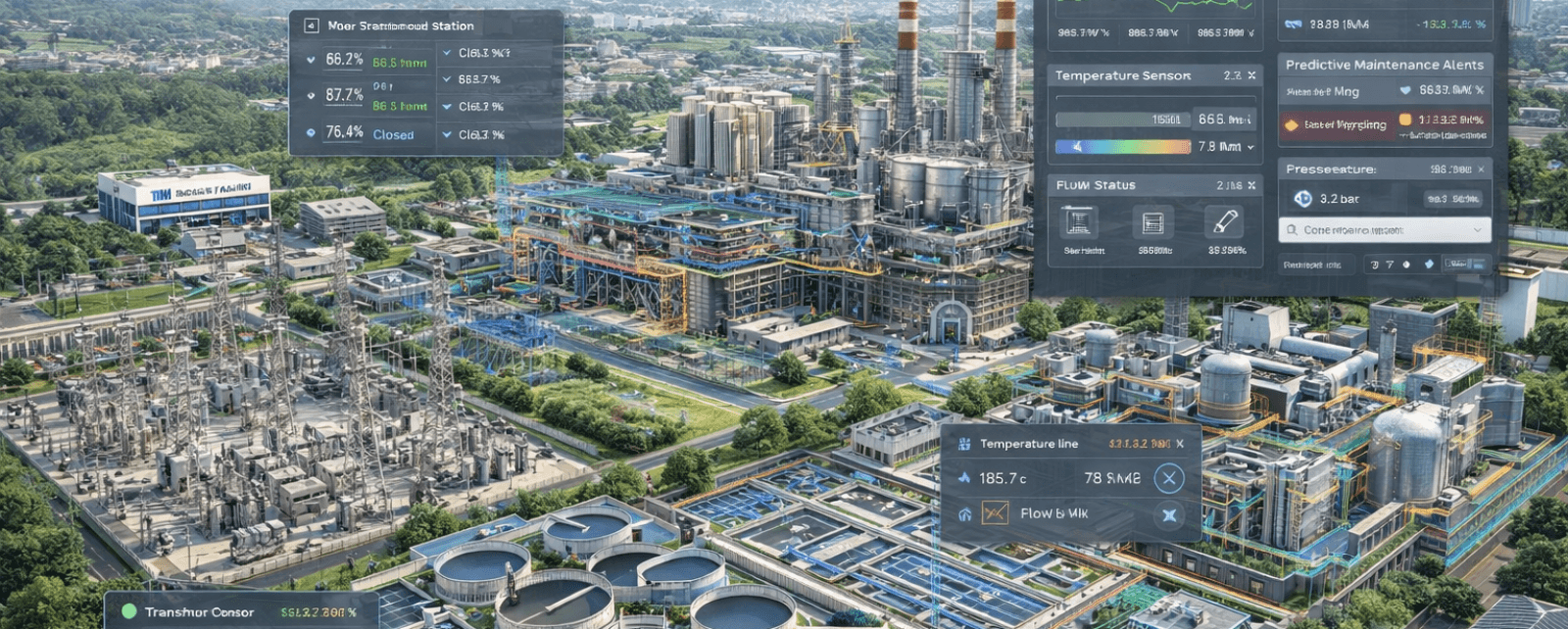
How BIM Syncro Delivers Industrial Facilities & Utilities Across Malaysia
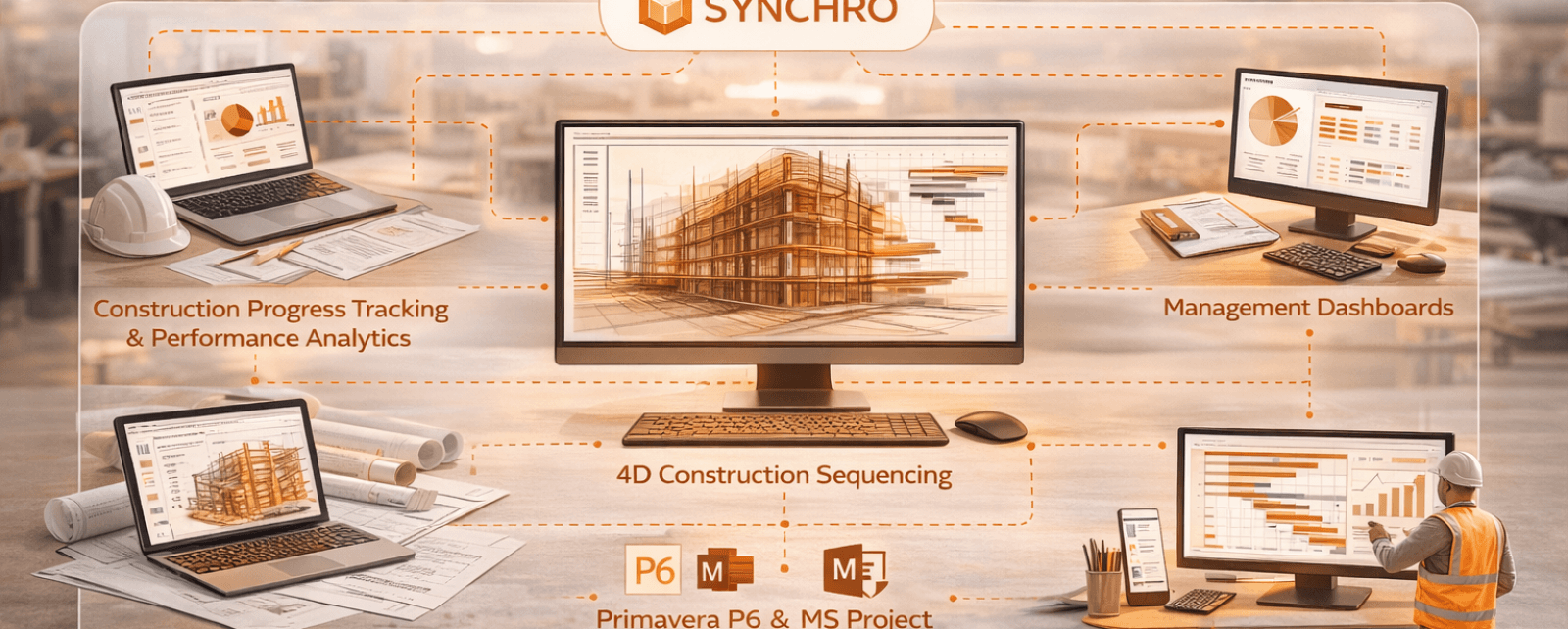
Project Controls & Construction Intelligence for Predictable Project Delivery